Sees, not just reads
It looks at the picture (shake, focus, scenery, repeated shots) and listens to the sound (laughter, screams, silence), not only the words.
 SwitchLog
Product
Drop everything you shot. SwitchLog watches the picture, listens to the sound, keeps what an editor would keep, and finishes the video and the shorts on your Mac.
Four screens, in the order you meet them.
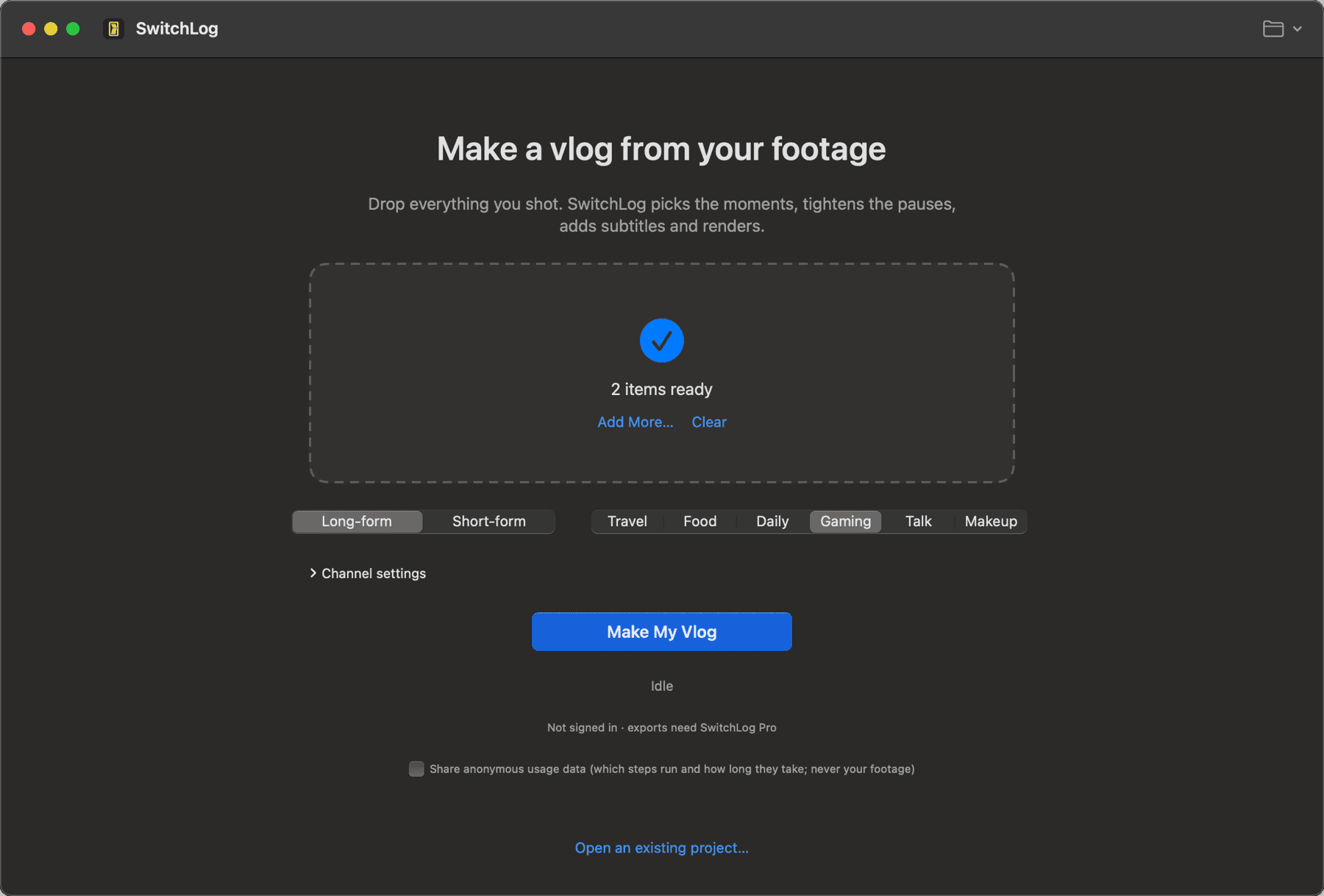
Quick Start: drop, pick a format and a genre, press
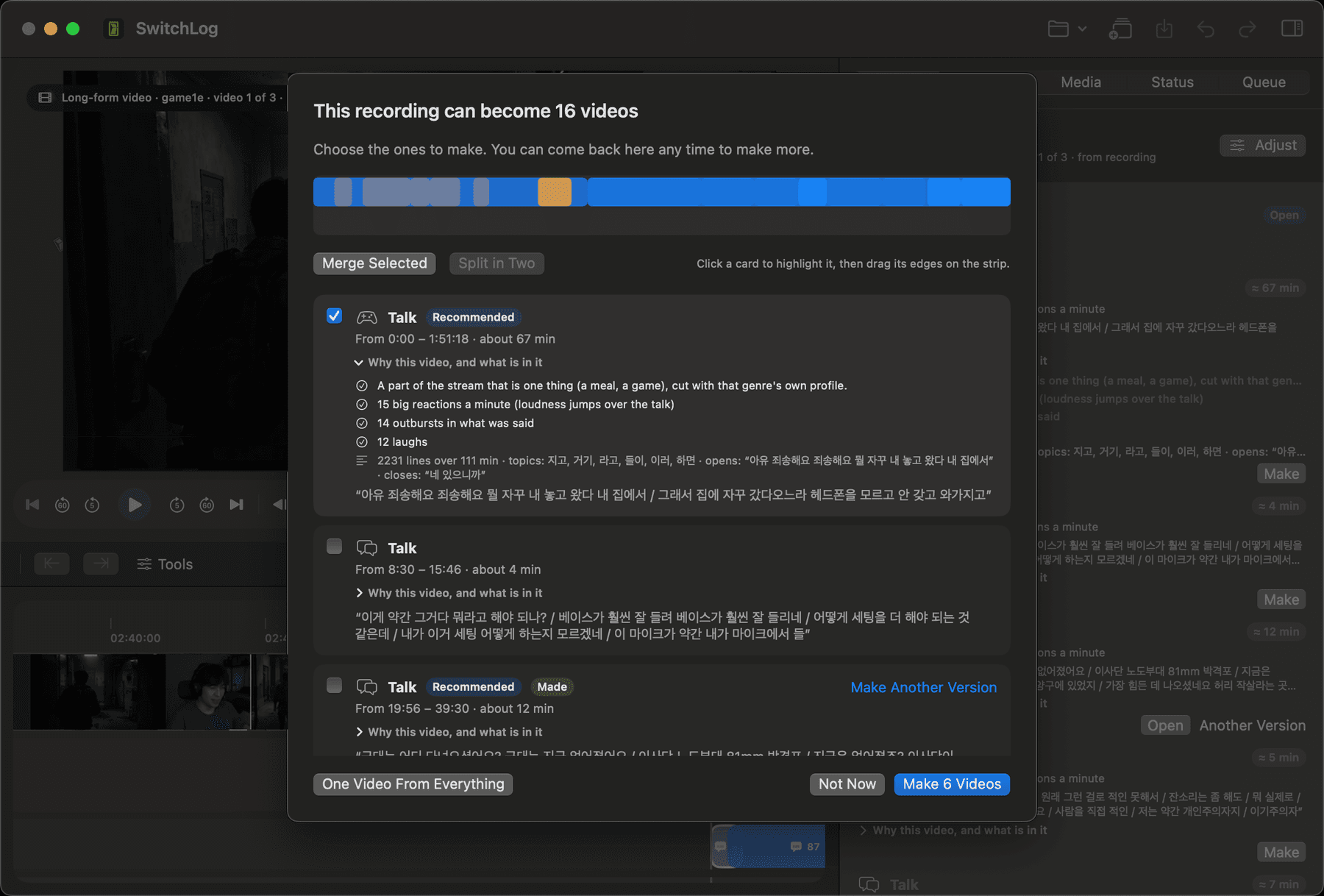
Choose which videos to make: every stretch with its reasons, its summary and its first words; merge two or split one on the strip
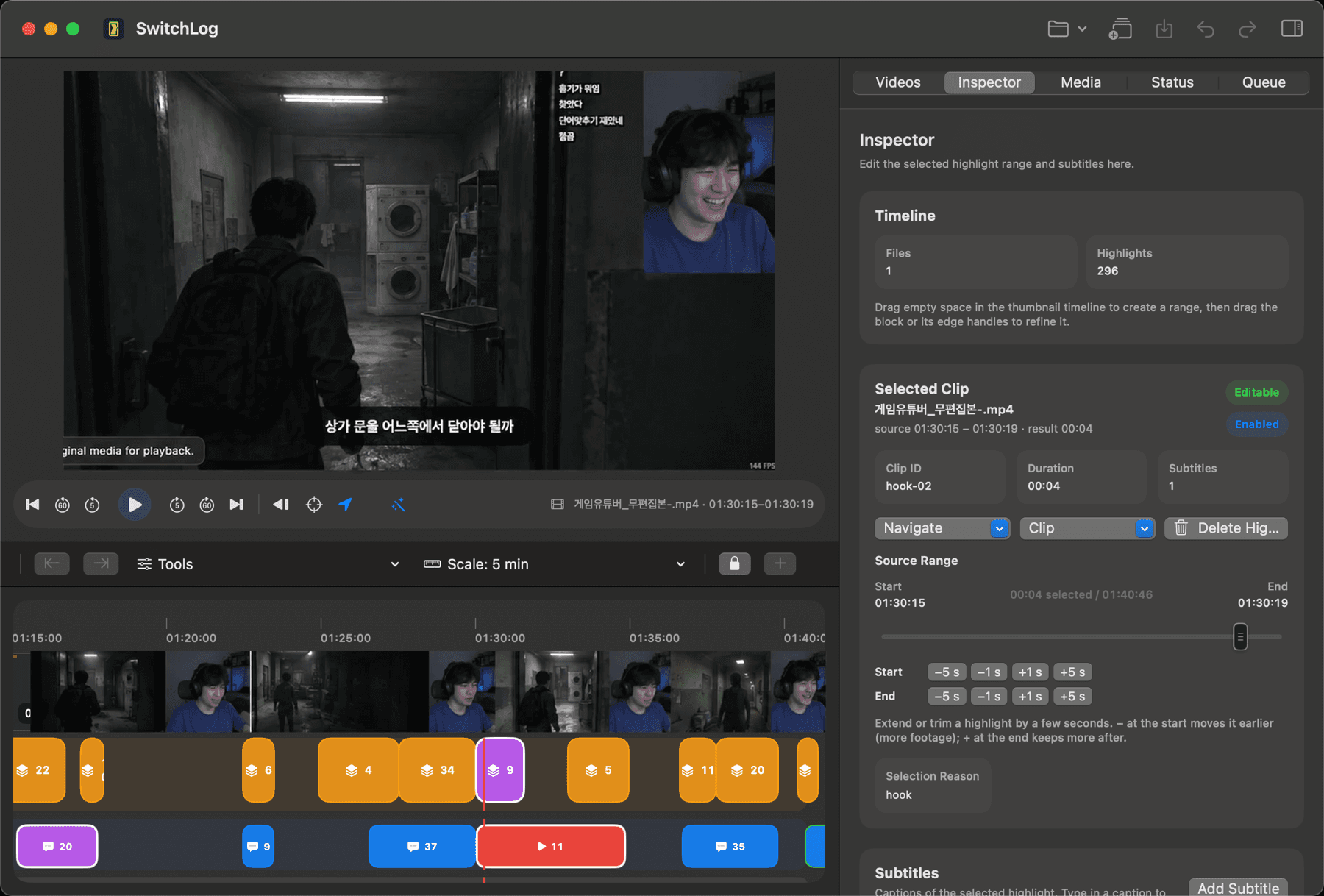
The cut, with the preview, the timeline and the captions
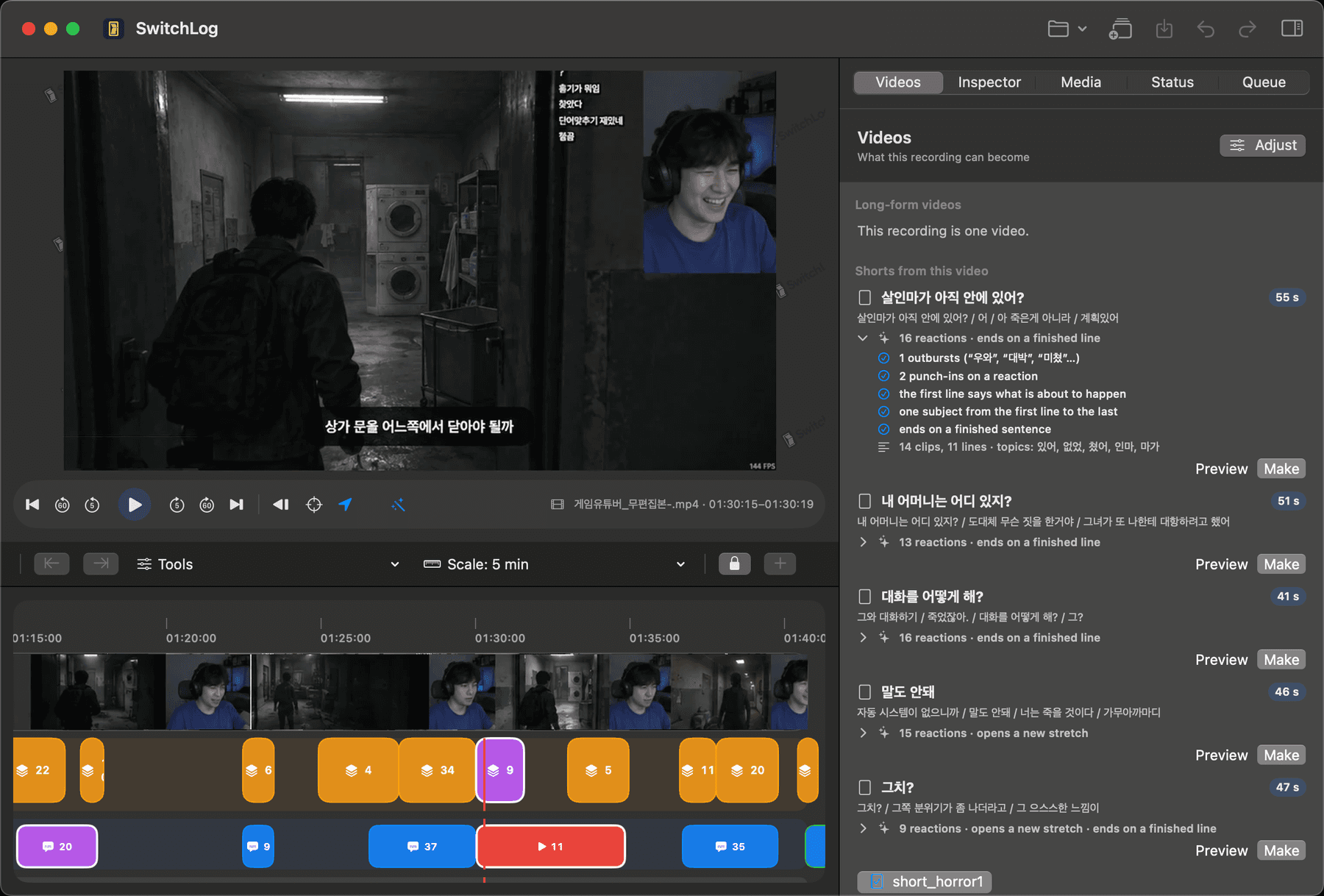
Shorts from a finished cut: reactions counted, one subject, a clean ending
How it works
Three steps, one decision that is yours: the format and the genre. Everything else is the engine's job, and when it is unsure it falls back to a safe default.
Drag in the recording or the day's files. Several files are joined in the order they were shot.
Choose long-form or shorts, pick the genre: gaming, talk, travel, food, beauty. Press once.
Export the video and its shorts with captions, sound effects, music and your intro and outro. A title is suggested too.
What's different
Most tools take a finished video and read its transcript. SwitchLog takes the raw footage and treats it the way an editor does.
It looks at the picture (shake, focus, scenery, repeated shots) and listens to the sound (laughter, screams, silence), not only the words.
It builds the long-form cut in order first, then takes the shorts out of that cut. Not a bag of clips.
Register your channel's names and nicknames once; the captions spell them your way.
Effects and music are placed on a per-genre budget from your own packs: about five a minute for gaming, three for talk, fewer for the rest.
For each genre we matched real creators' raw footage against what they published, second by second, and turned what they keep and where they open and close into rules: a conversation whole, a round through its reveal, the first bite through the verdict.
No upload, no per-minute billing, and the whole pipeline up to the preview is free without an account.
Each genre has its own selection profile, caption style and sound budget. They are kept apart, never averaged.
The server does three things: sign you in, confirm your subscription and hand your profile file to your Mac. The app holds no key beyond the server's address.
With Apple silicon, all of this now finishes inside a laptop.
Leave your email and we write once, when SwitchLog ships. Nothing else.